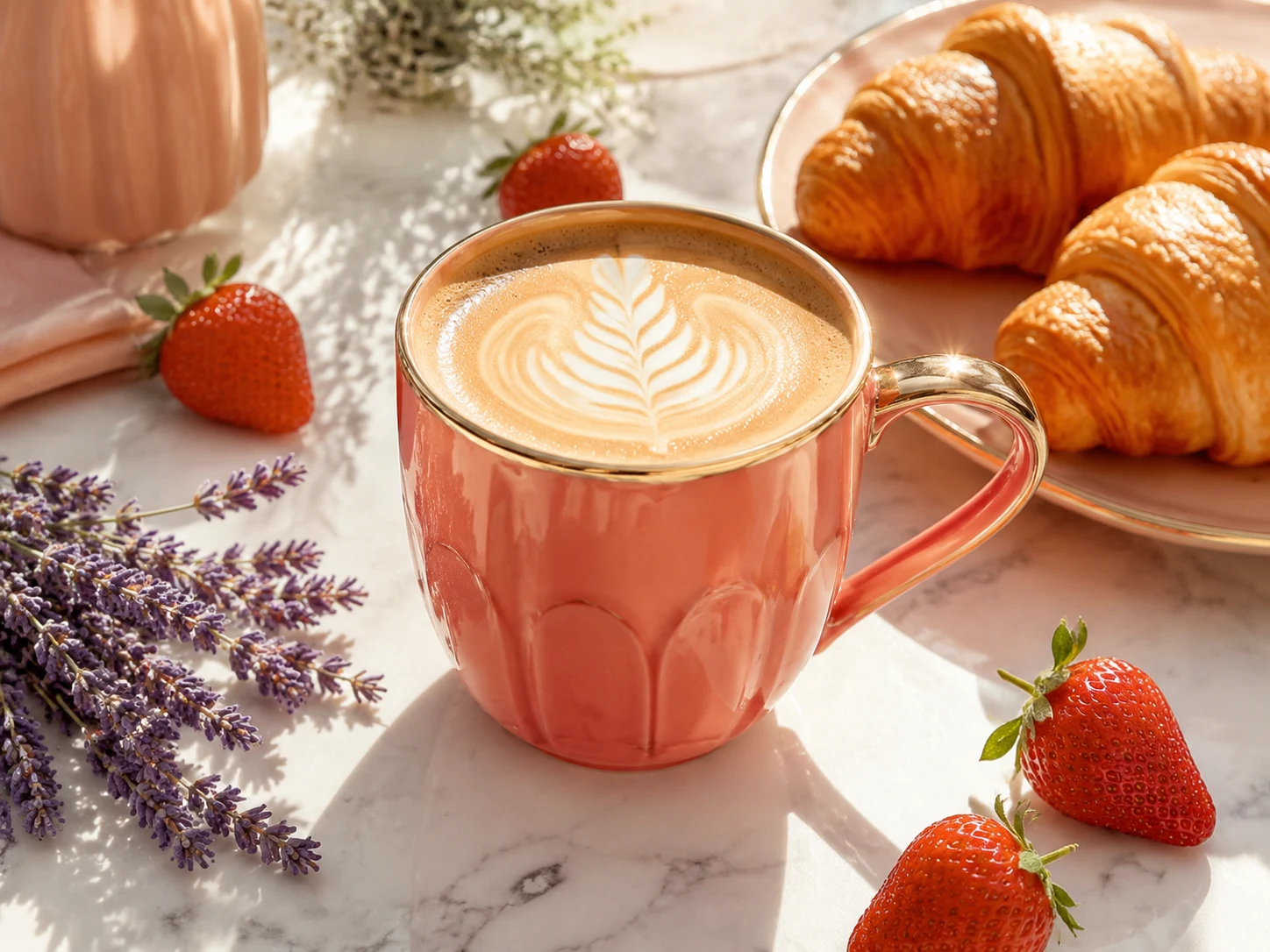
Premium product photo
Premium ecommerce product photo of a matte black portable blender with fresh fruit, dramatic studio lighting, emerald rim light, clean background, no readable text or logos.
Make product shots, social posts, ad creatives, thumbnails, and campaign visuals from a single brief or reference photo.
Current setup
Use any example as a starting point, then change the product, audience, or style.
Premium ecommerce product photo of a matte black portable blender with fresh fruit, dramatic studio lighting, emerald rim light, clean background, no readable text or logos.

Square social media campaign image for a fitness app, energetic creator motion, black and emerald brand accents, strong empty space for headline, no readable text or logos.
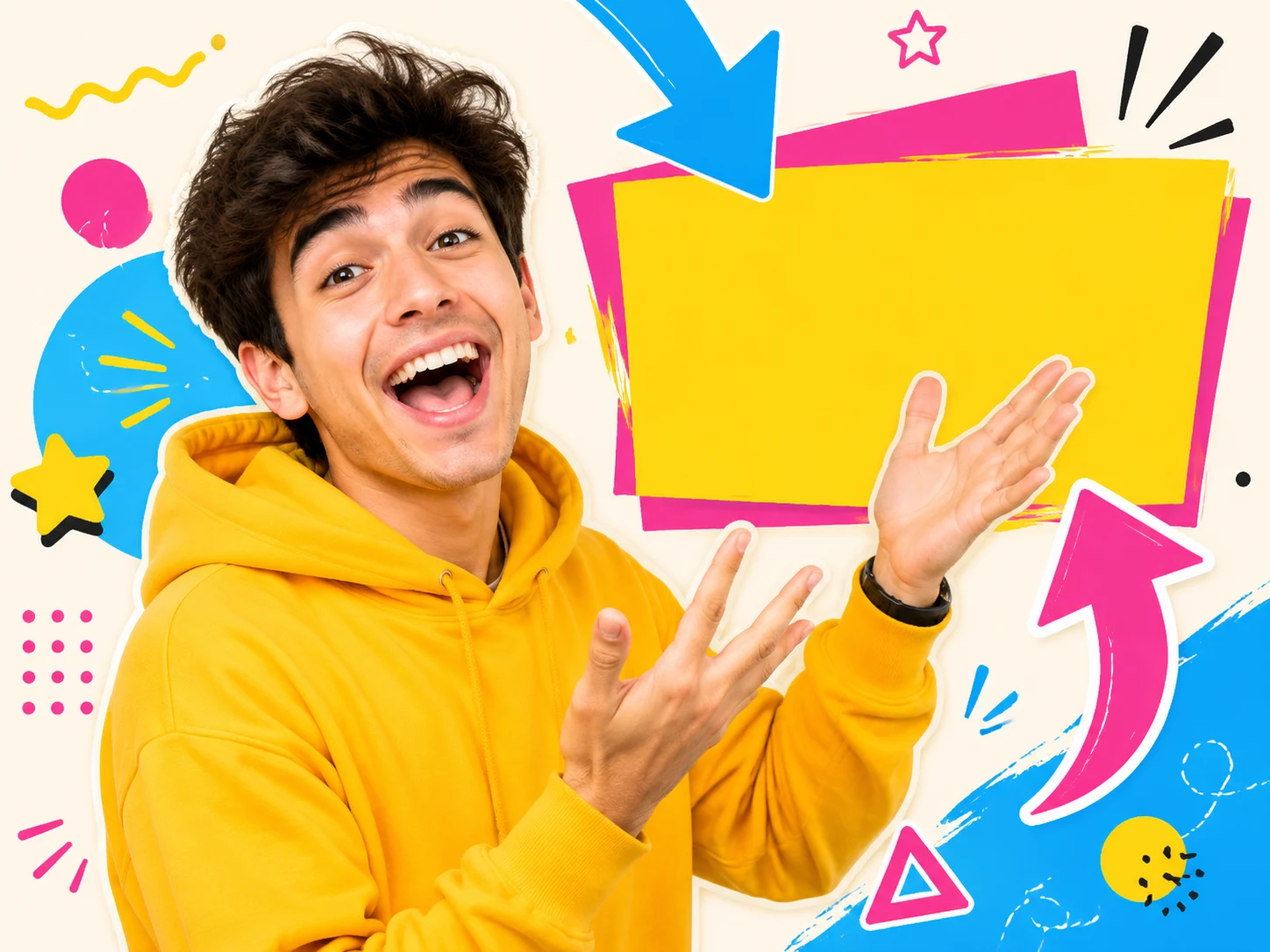
YouTube thumbnail style image for a marketing tutorial, expressive creator beside a laptop with generated campaign visuals, high contrast, clean composition, no readable text or logos.
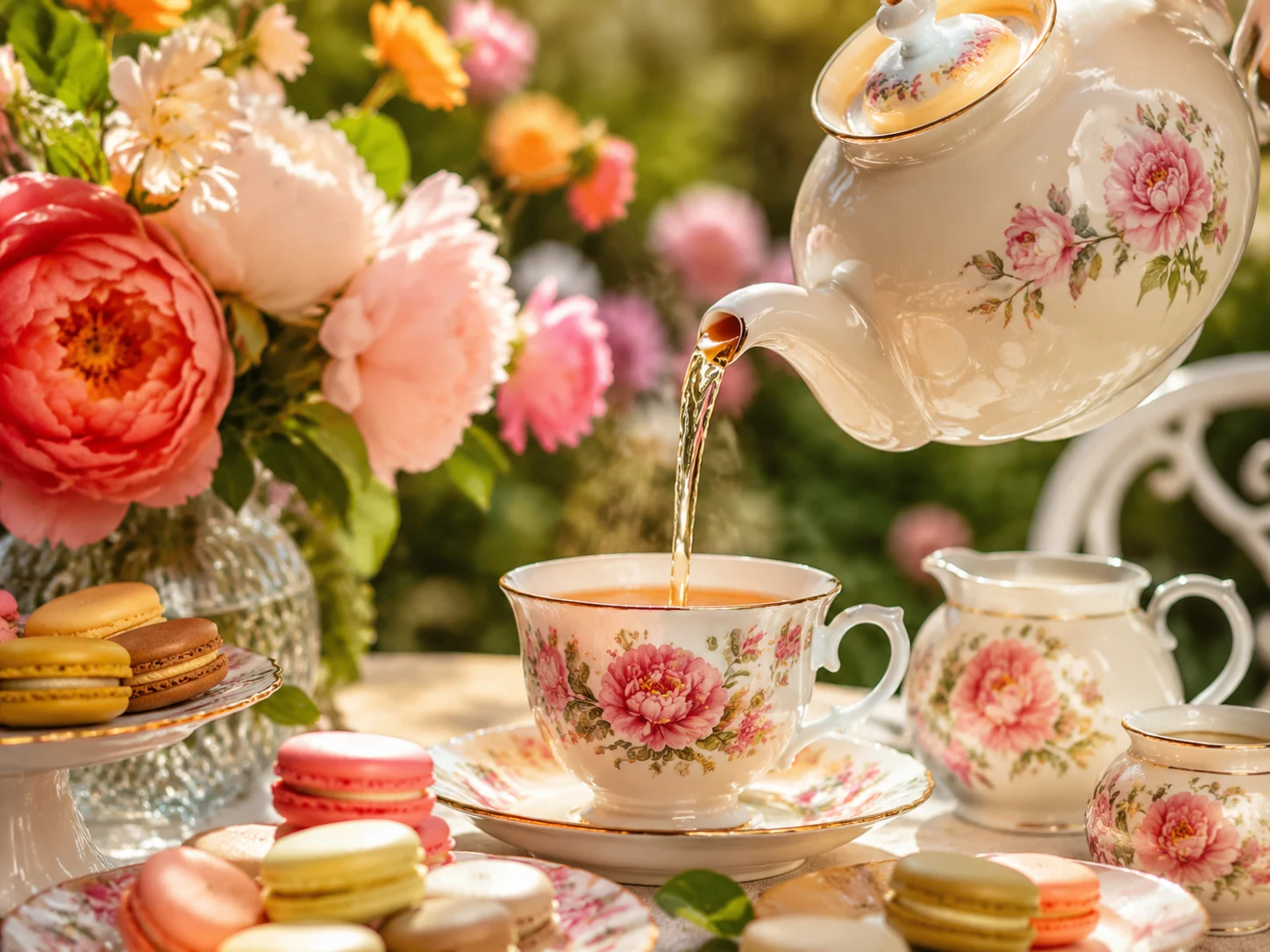
Using the uploaded product reference, keep the product identity consistent and place it in a premium ecommerce lifestyle scene with black and emerald accents, realistic lighting, no readable text or logos.
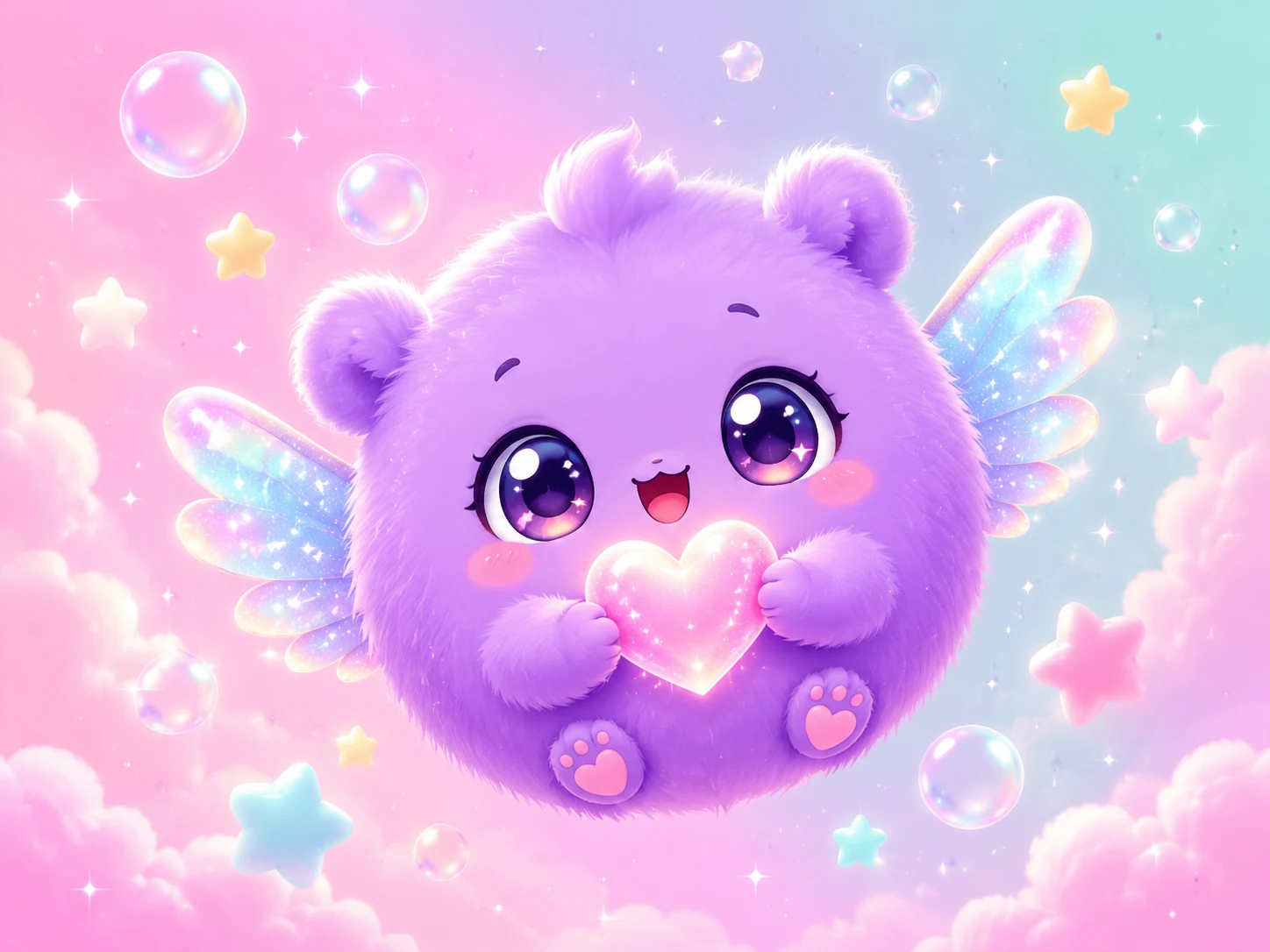
Create a friendly futuristic mascot for a marketing platform, polished 3D or anime-inspired style, black and emerald accents, clean background, no readable text or logos.
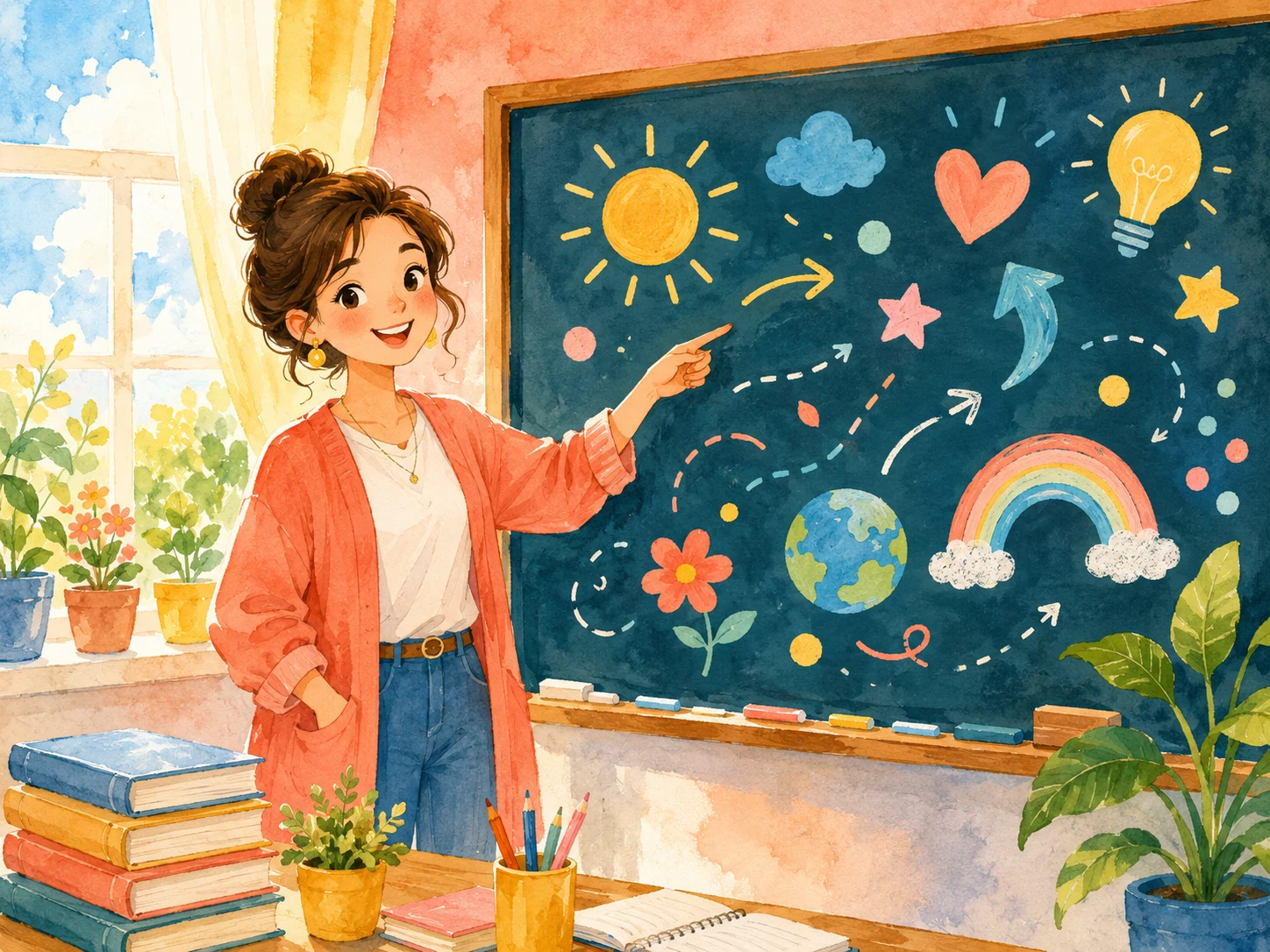
Create a hero image for a marketing online lesson: instructor desk, laptop, generated creative assets on a moodboard, dark modern studio, emerald accent light, no readable text or logos.
Start from the kind of visual you actually need — product, ad, thumbnail, or character.
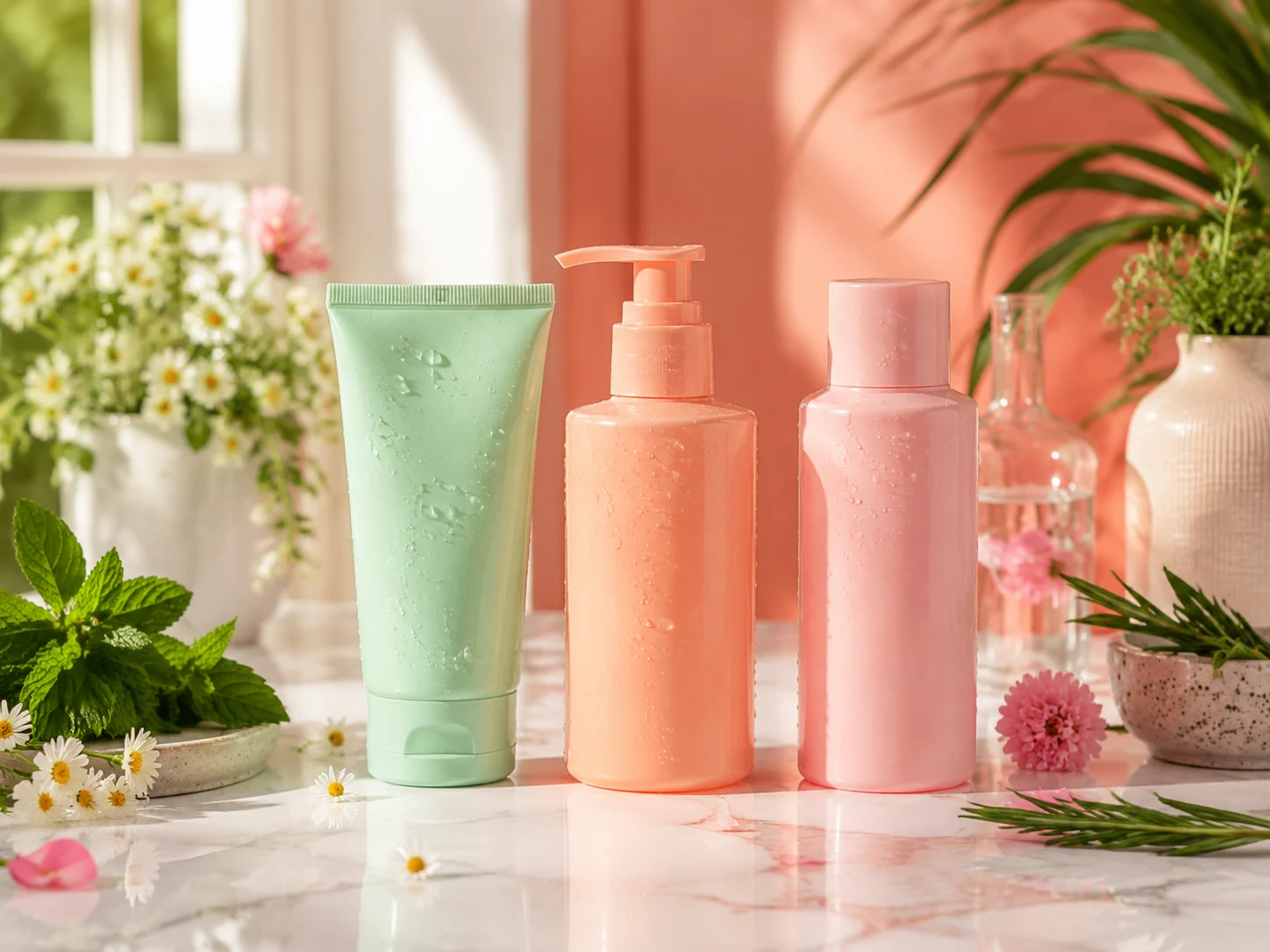
Clean ecommerce hero images, lifestyle shots, and campaign variants.

Square or vertical creatives with room for copy and brand elements.

High-contrast frames for tutorials, launch clips, and short-form content.
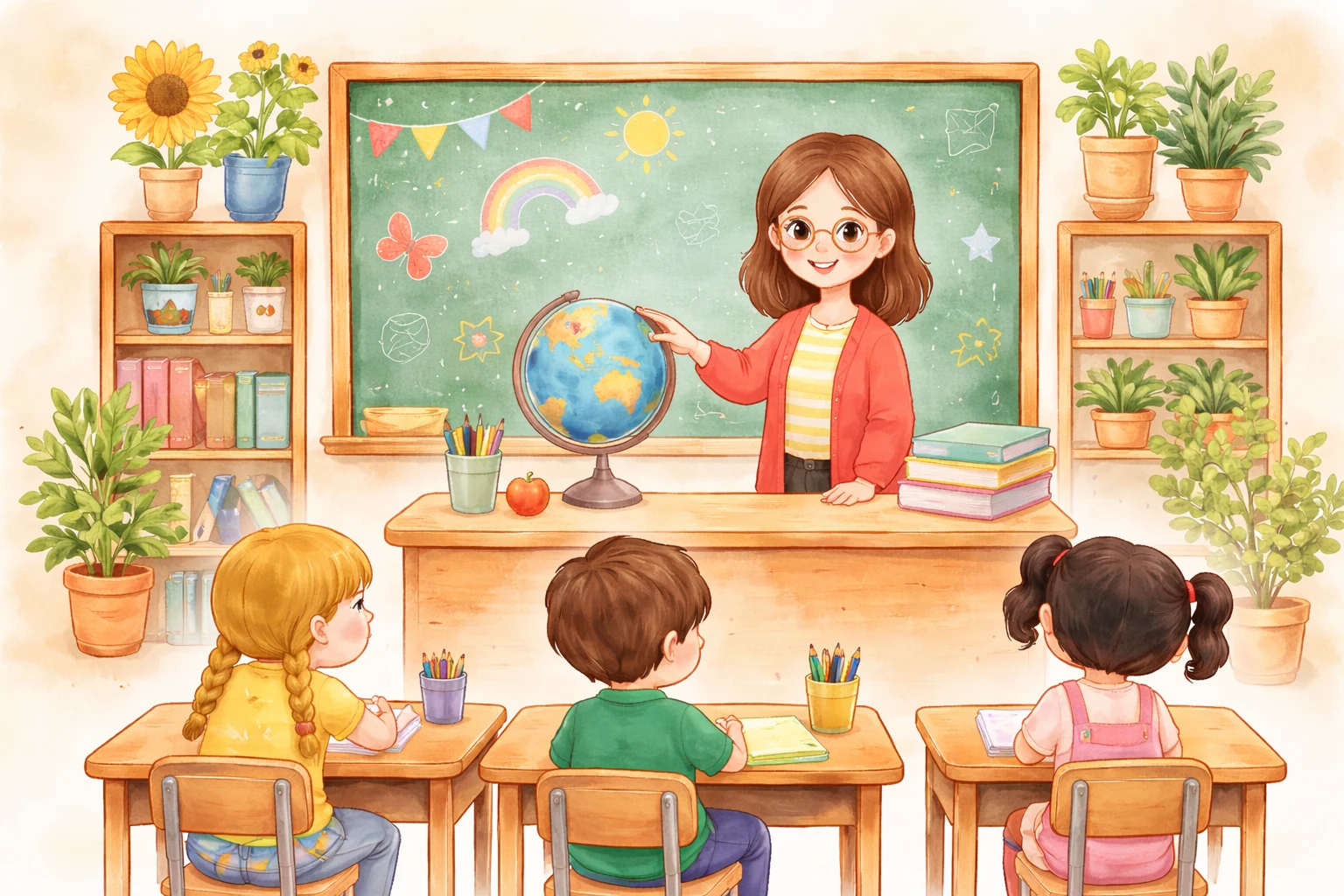
Lesson covers and example images for marketing teaching.
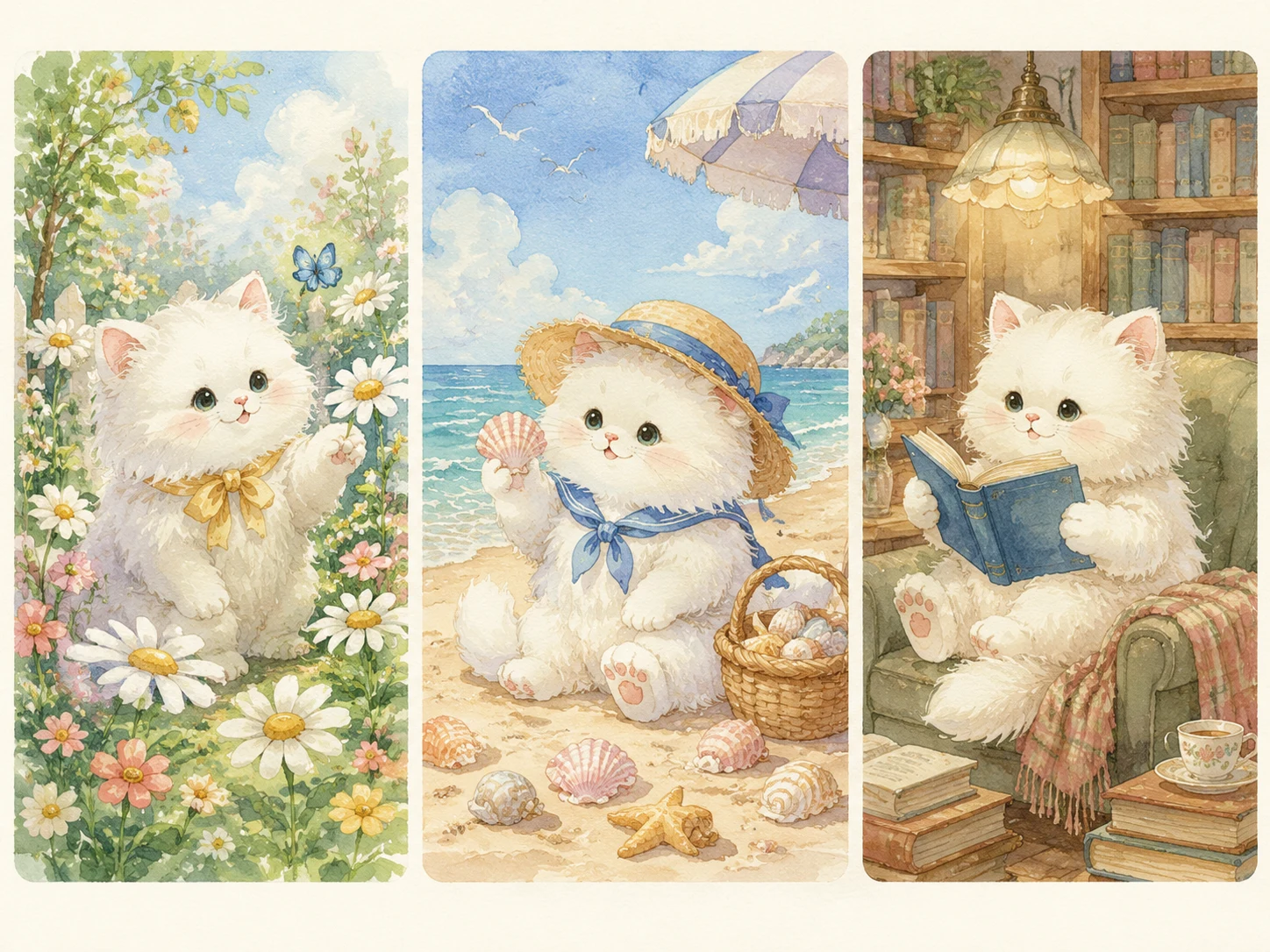
Keep a product or character consistent across new scenes and styles.

Create mascots, avatars, and visual identities for recurring campaigns.
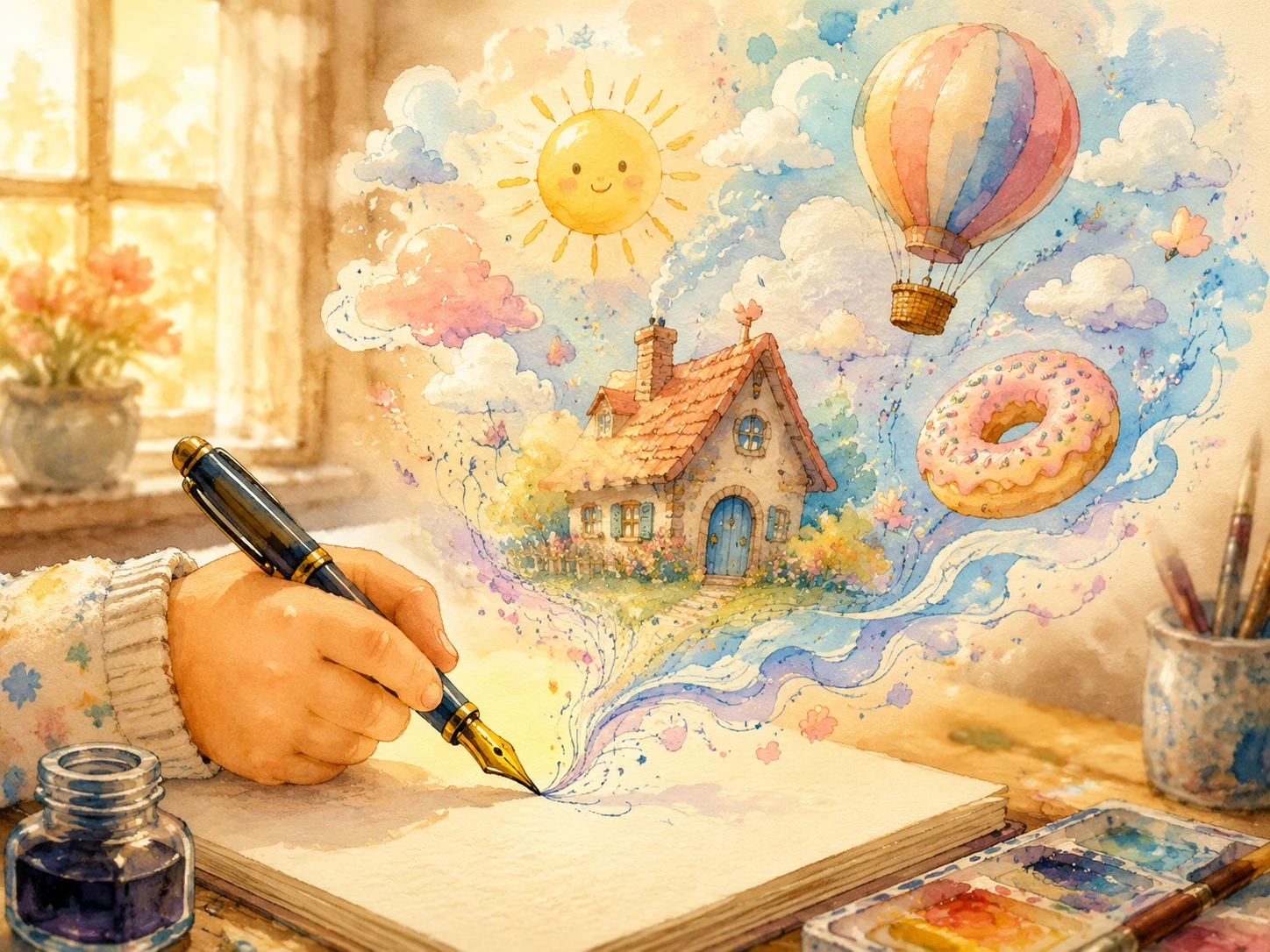 From text
 Pick this for clean, prompt-driven product, ad, and social visuals.
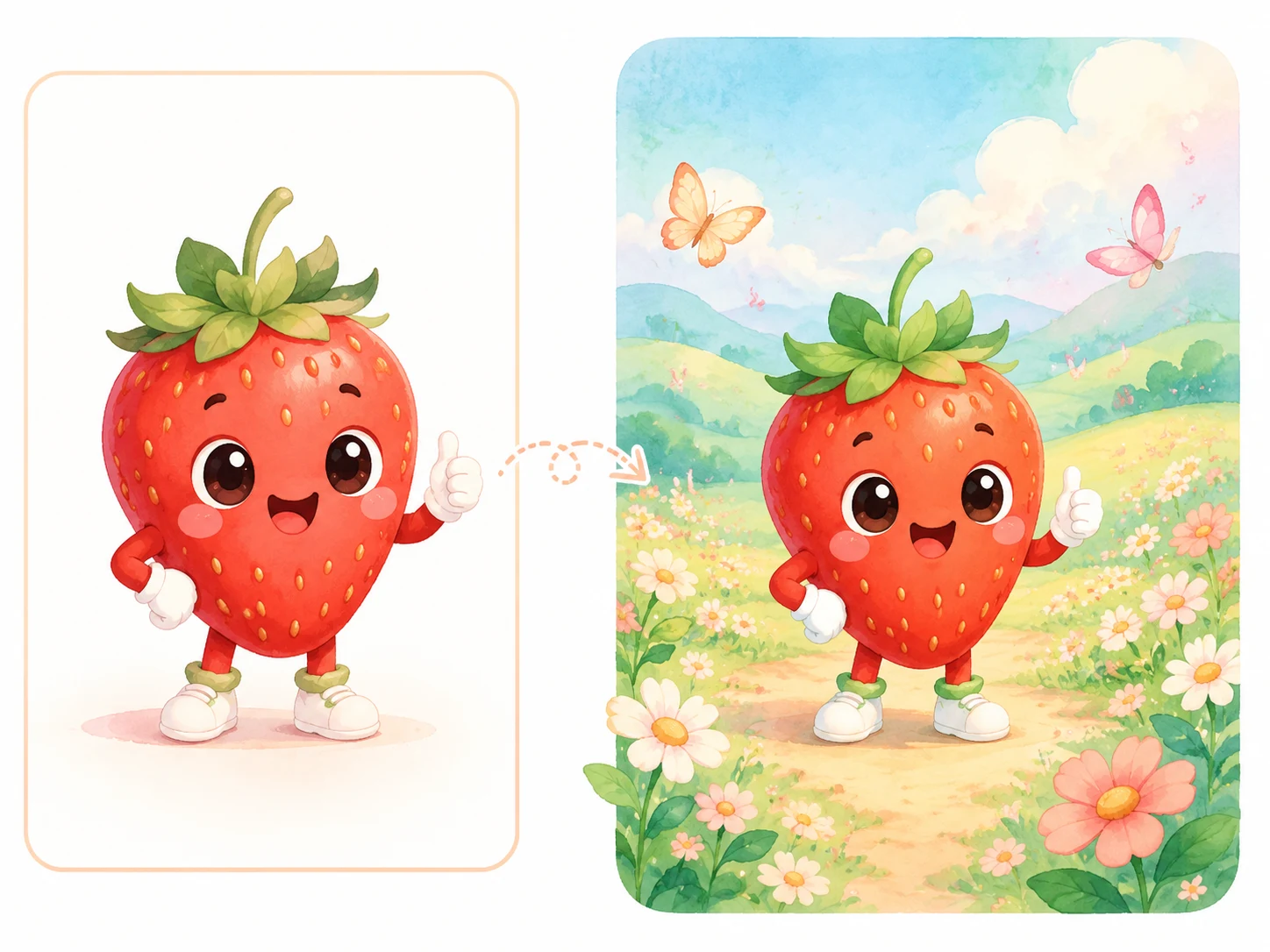 From a reference
 Pick this when a product or character must stay recognizable across new scenes.
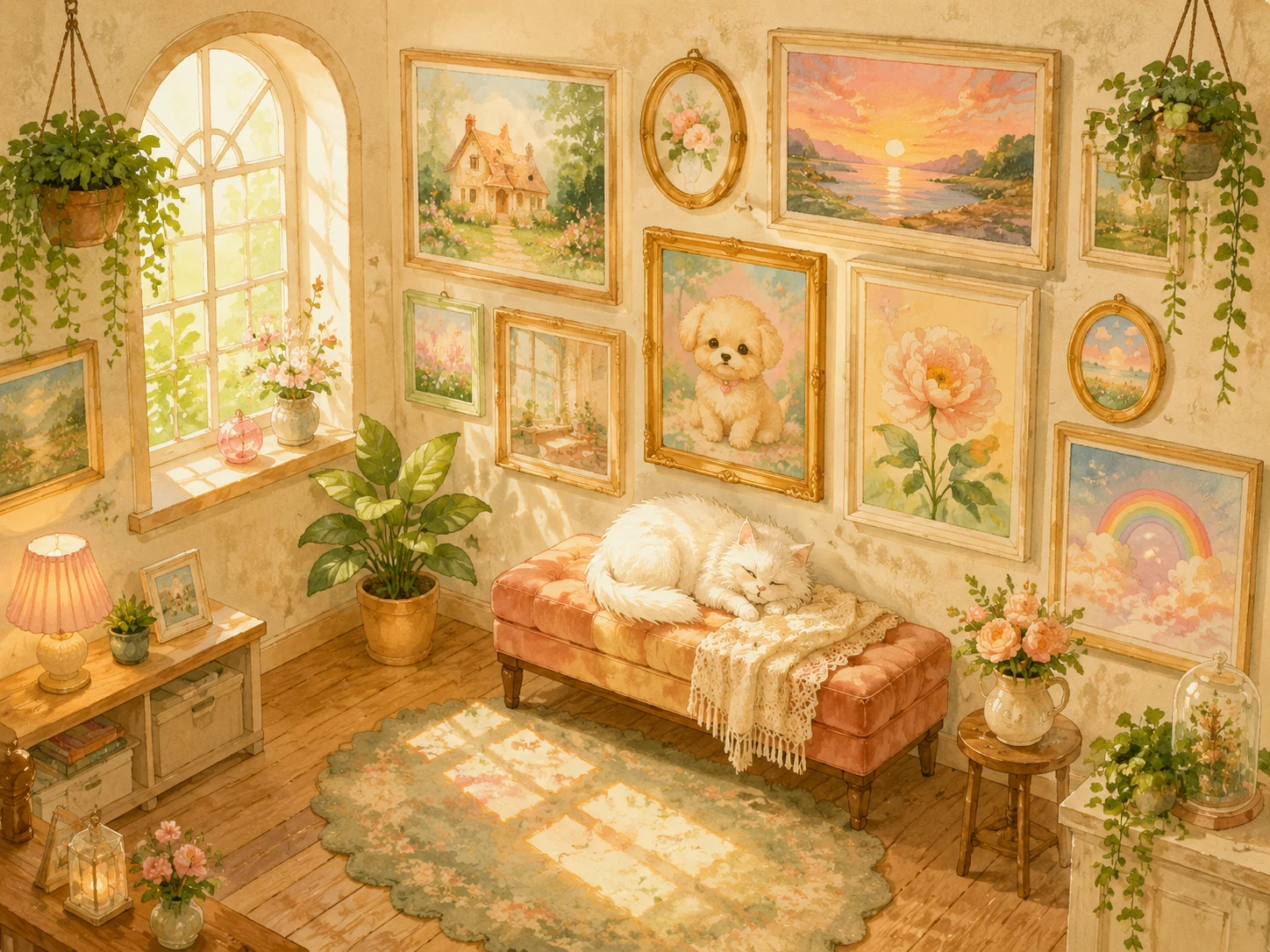 Saved to your library
 Every image lands in your private library — view, reuse, or regenerate anytime.
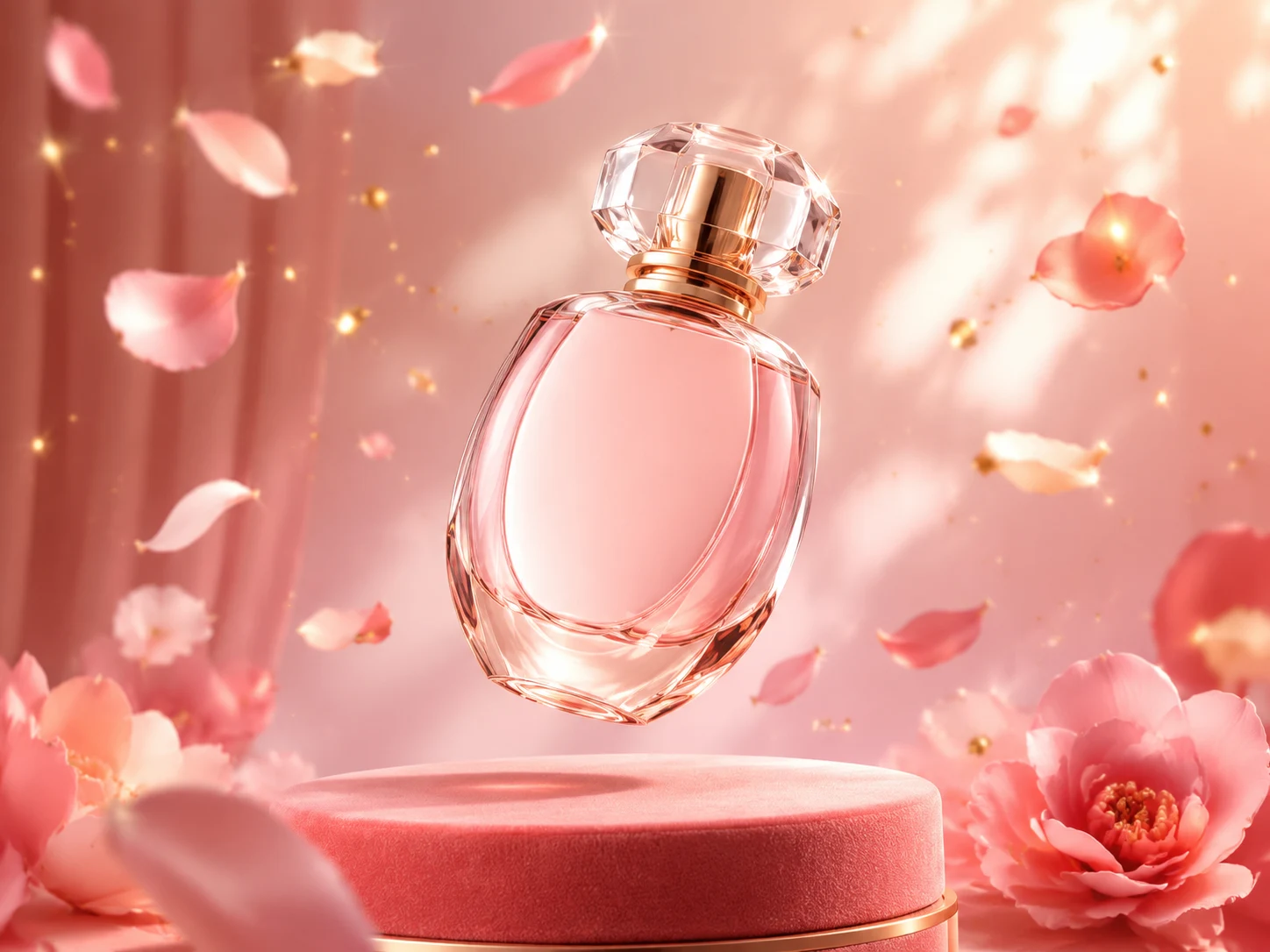
Create a premium product launch image for [product], studio lighting, black and emerald accents, clean negative space, no readable text or logos.
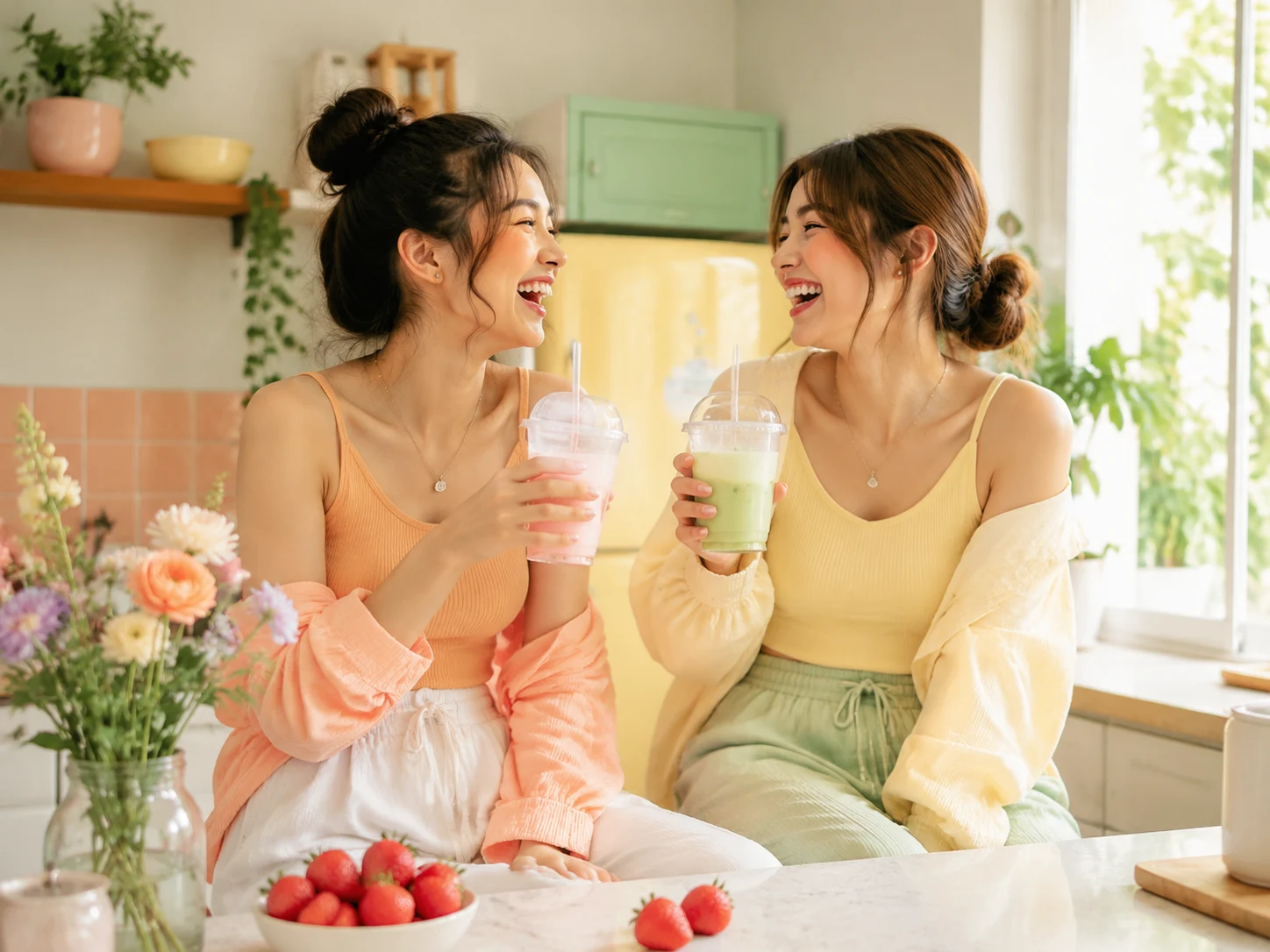
Create a square social media visual showing [audience] using [product] in a realistic daily scene, warm light, polished campaign style, no readable text.
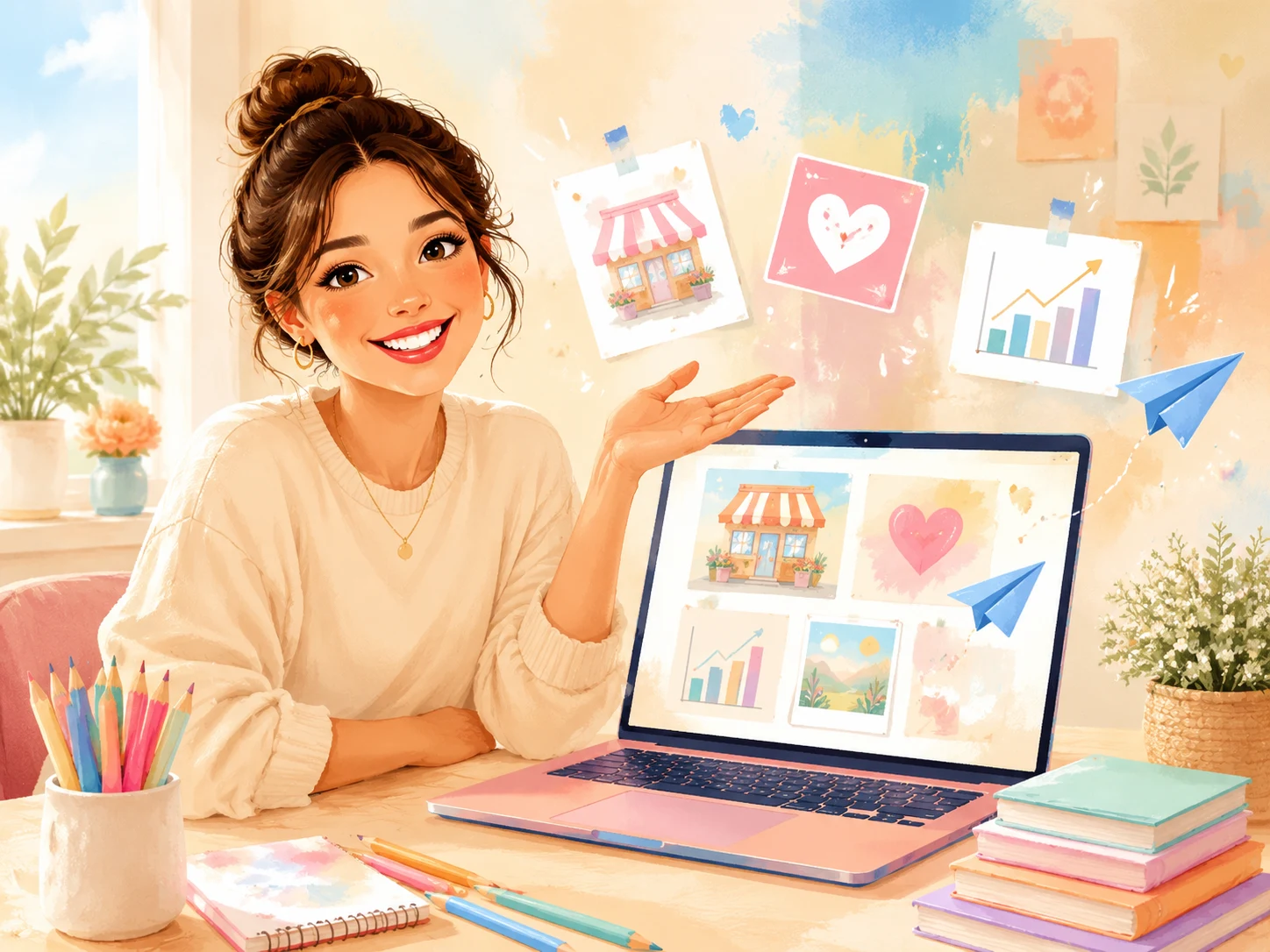
Create a 16:9 lesson cover for a marketing topic, instructor workspace, laptop, campaign moodboard, premium dark studio, no readable text.
Start with the product, audience, channel, visual style, and ratio you want.
Type a brief, or upload a reference if a product or character must stay consistent.
The credits used per image are shown up front. Failed generations refund automatically.
Every image lands in your private library — view, regenerate, or download anytime.
Yes — just describe what you want in words and AnimeGen handles the lighting and composition.
When a product, character, or visual identity has to stay consistent across new scenes or styles.
Every image is saved to your private library — only you see it. From there you can regenerate, download, or remix.
Yes — AnimeGen is designed for marketing visuals. Final usage rules depend on your prompt, source assets, and campaign terms.
Common marketing ratios are supported — 1:1 and 4:5 for product and social posts, 16:9 for course covers and thumbnails, 9:16 for vertical placements. Pick the ratio when you write the prompt.
Each generation shows the credit cost up front before you confirm. If a generation fails, the credits are refunded to your account automatically — you only pay for finished images.
Yes — your uploads are only used to run your generation and stay in your private library. They aren't shown to other users or used to train shared models.
Use a recipe above, or write your own brief in the generator.