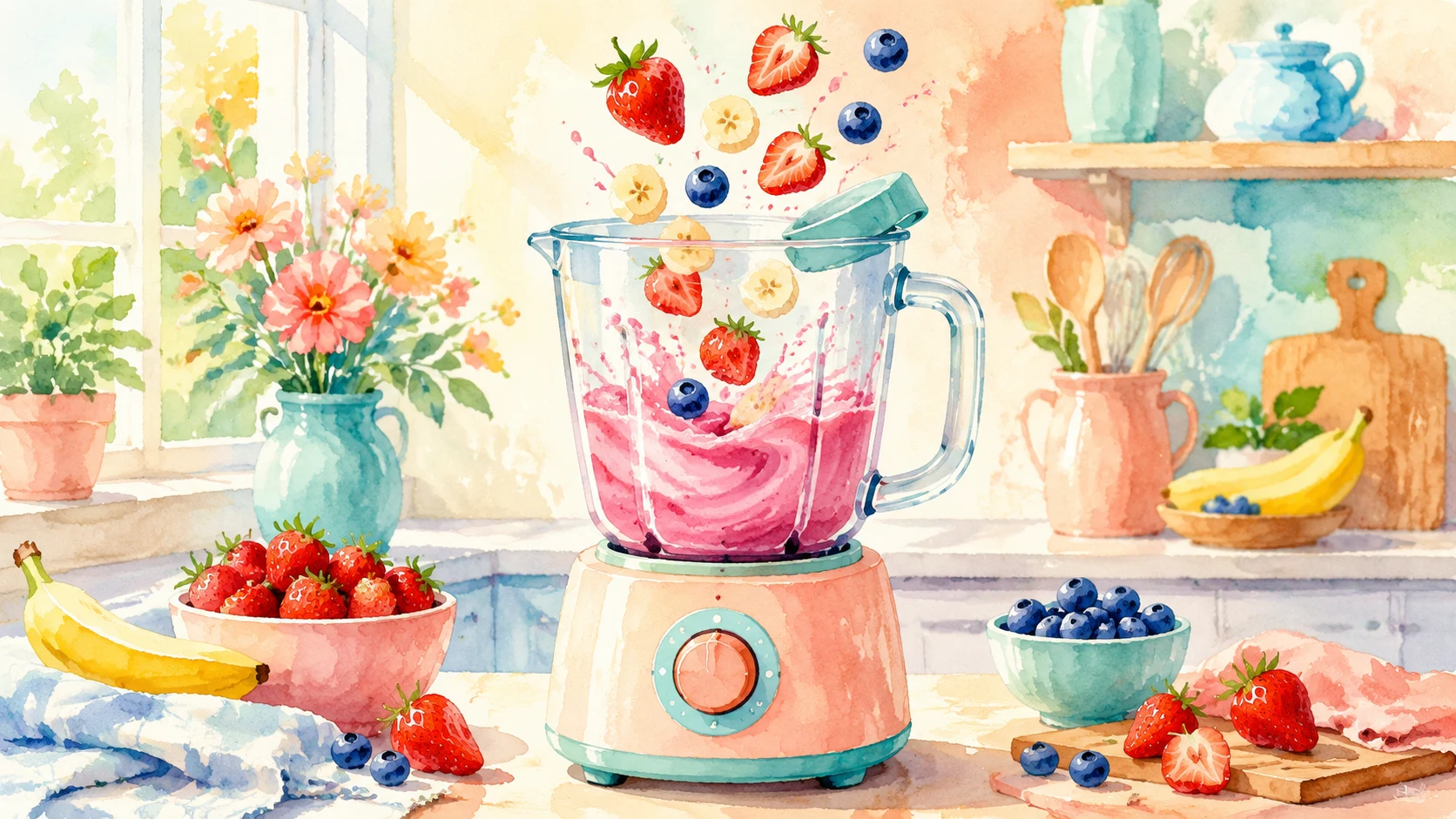
Product demo short
A portable blender starts on a modern kitchen counter, fruit pieces drop in, the drink blends smoothly, camera pushes in for a satisfying product reveal, vertical 9:16, realistic commercial style.
Turn a brief, photo, or song into a short video — product demos, ads, brand stories, and social posts ready to publish.
Current setup
Use any example as a starting point, then customize it for your product, brand, or audience.
A portable blender starts on a modern kitchen counter, fruit pieces drop in, the drink blends smoothly, camera pushes in for a satisfying product reveal, vertical 9:16, realistic commercial style.

A founder explains a new eco product at a desk, camera moves from sketchbook to finished item, warm documentary lighting, emotional brand story tone, 16:9.

An instructor introduces a marketing workflow at a desk, gestures toward a laptop with campaign visuals, smooth camera push-in, educational short video style, 16:9.

Animate the uploaded product photo with a smooth camera orbit, subtle material movement, soft emerald rim light, and a premium product reveal, no text overlays.

Animate a creator holding the product in a casual home setup, natural hand movement, friendly expression, handheld social ad energy, vertical 9:16, no text overlays.
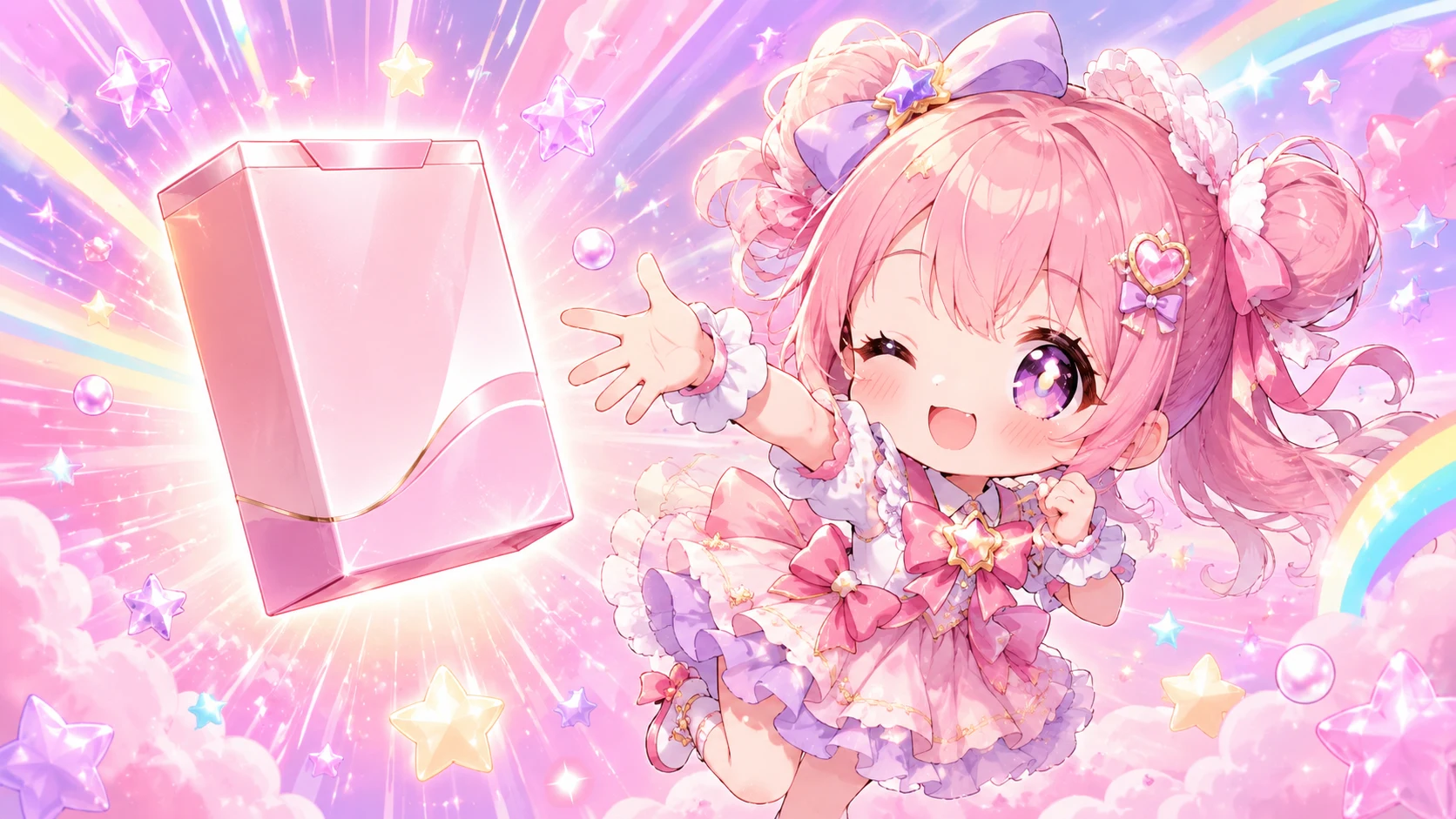
Animate the uploaded illustrated frame with a dynamic camera follow, glowing product package, energetic motion, vertical 9:16, no readable text.
Upload a strong photo, then describe the motion, camera move, and final moment you want to land.

Start with a clean product photo, then ask for an orbit, rim light, and a final hero close-up.

Start with a natural creator pose, then describe the hand movement, expression, and camera energy.

Start with a place or product setting, then add lighting, atmosphere, and motion.
Start from a topic you actually need today — not a blank canvas.

Vertical hooks, UGC clips, product demos, and creator-style launches.

Show the product, explain the benefit, and finish with a clean reveal.

Turn founder notes and campaign ideas into cinematic story beats.

Create lesson previews, chapter intros, and visual examples for teaching.
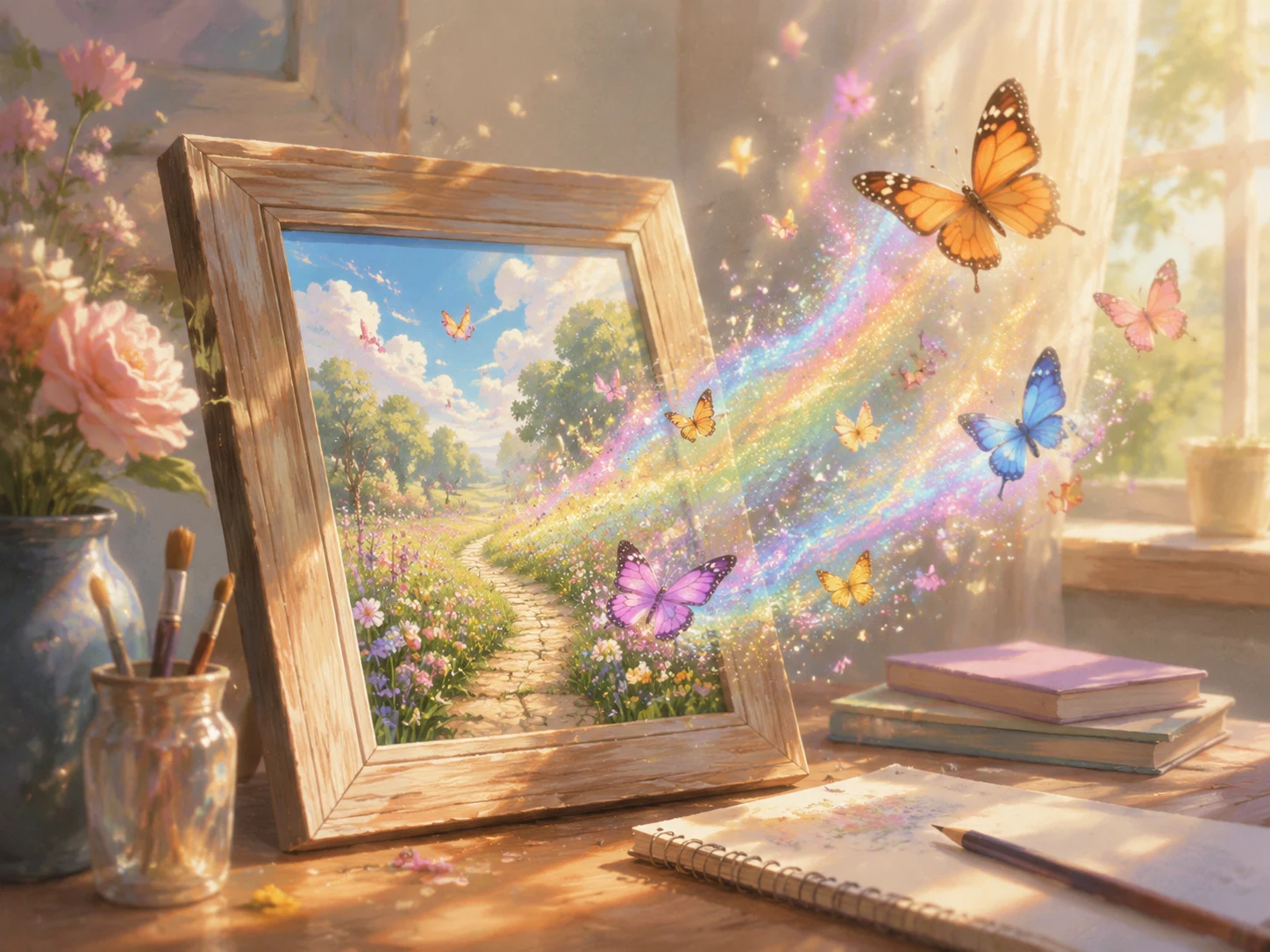
Bring a hero image, product photo, or starting frame to life with controlled motion.

Generate animated campaign shorts and character-led social clips.
 From text
 Pick this when the scene is in your head — write it down and AnimeGen builds it from words.
 From a photo
 Pick this when a product shot, character, or hero frame has to stay recognizable in the final video.
 Saved to your library
 Every generation lands in your private library — remix, retry, or download anytime.

A [product] appears on a clean studio surface, camera pushes in, key feature activates, final polished hero reveal, vertical 9:16, realistic commercial style.

A friendly creator shows [product] in a cozy home setup, natural hand movement, authentic reaction, handheld social video energy, vertical 9:16.

A founder works on [brand idea] in a warm studio, close-up on sketch, product detail, final emotional reveal, cinematic 16:9.
Name the product, audience, action, camera move, ratio, and length you want.
Type a brief from scratch, or upload a starting photo and describe the motion.
The credits used per generation are shown up front. If a generation fails, the credits go back to your account automatically.
When it's ready, it lands in your private library — remix, repost, or use it as the start of the next one.
Yes. Describe what you want and AnimeGen handles the scene, camera, and motion.
When a product shot, character, or scene has to stay visually anchored. Upload it as the starting frame and describe the motion.
Most short videos finish in a few minutes. You'll see progress, and the result is saved to your library when it's ready.
Every generation goes to your private library — only you see it. From there you can remix, retry, or download.
Vertical 9:16 for TikTok, Reels, and Shorts and horizontal 16:9 for YouTube, course clips, and brand stories. Each generation is a short clip — focus on one moment per video and stitch longer pieces in your editor.
Each generation shows the credit cost before you confirm. If a generation fails, the credits go back to your account automatically — you only pay for finished videos.
Yes — AnimeGen is built for marketing. Final usage rules depend on your prompt, the assets you upload, and the campaign or platform terms you publish on.
Pick a recipe, tweak the prompt, and let AnimeGen do the rest.